Additional inputs and outputs
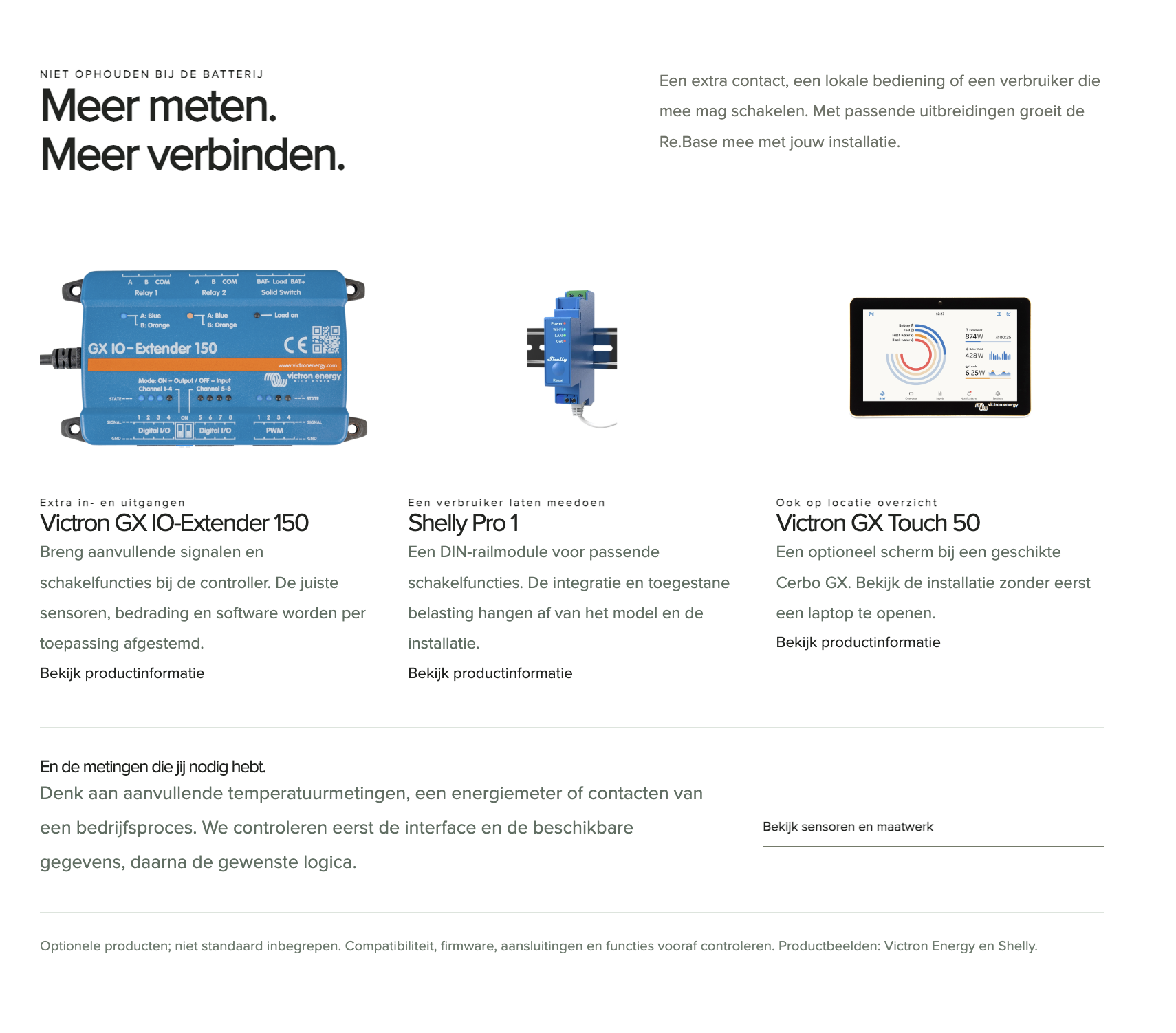
Victron GX IO-Extender 150
Add signals and switching functions to the controller. Sensors, wiring and software are selected for each application.
How does it work?
From the connection in the switchboard to insight on your screen. Each part has a clear role, so you know what you need and who does what.
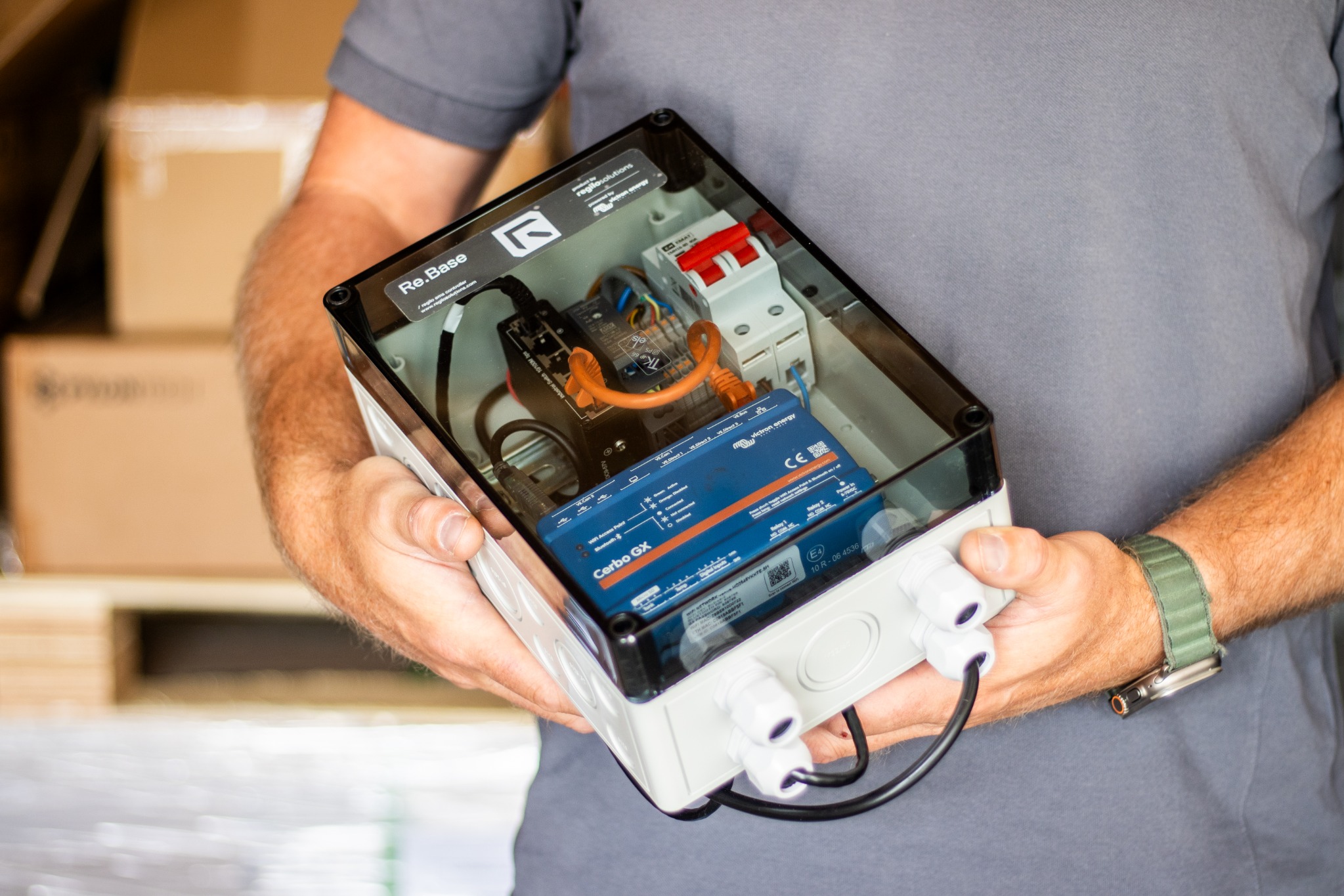
Re.Base builds on Victron hardware and software. Regilo adds its own EMS software, drivers and energy logic. Victron VRM lets you view the available measurements, history and alerts.
Regilo Solutions is an EMS partner of Victron Energy. We regularly discuss integration and further development. This connects the Victron platform with Regilo’s applications.
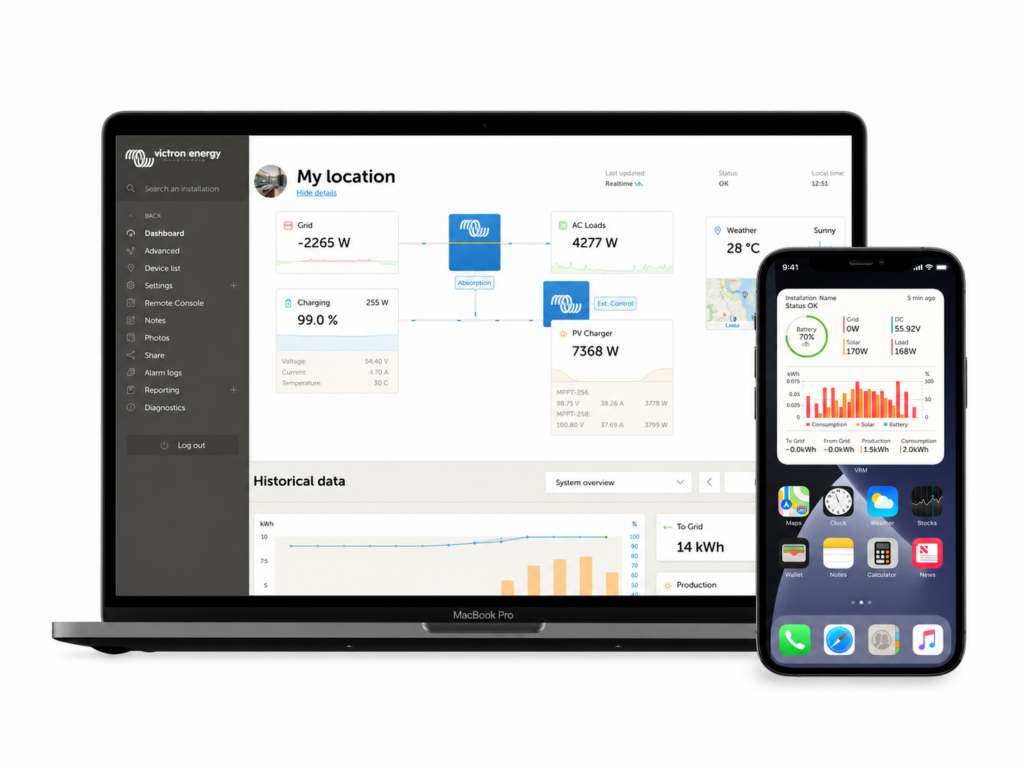
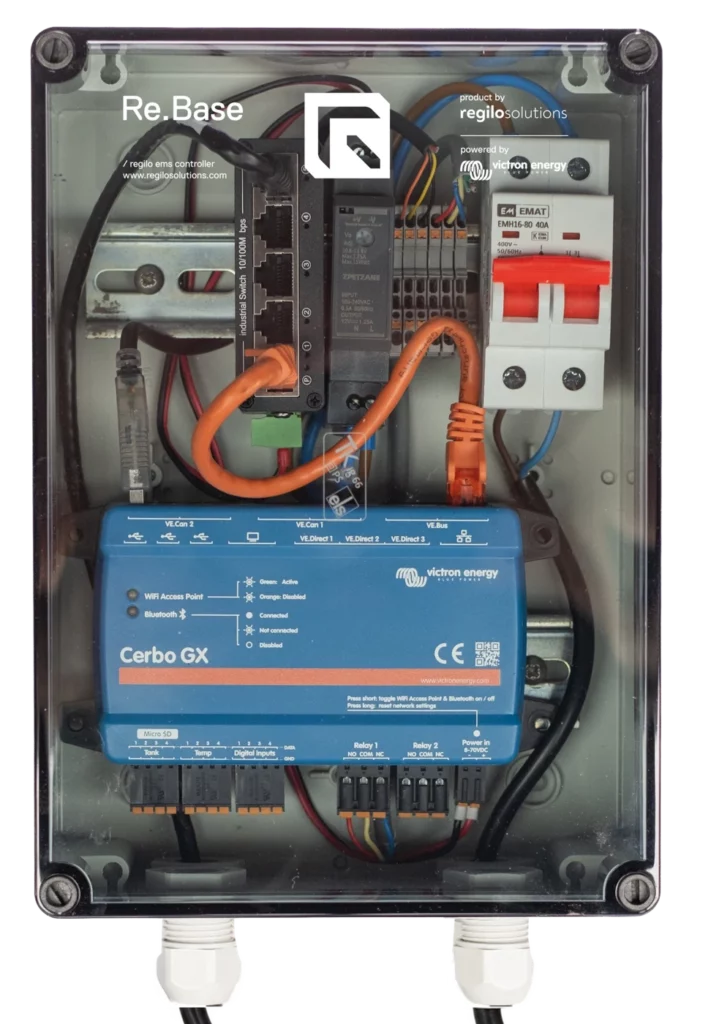
01 · Re.Base
The local controller connects your energy meter and supported devices to Regilo EMS.
Explore Re.Base02 · Re.Connect
The Connect.App helps the installer prepare, connect, configure, test and hand over the system. The installer activates the system independently.
Explore Re.Connect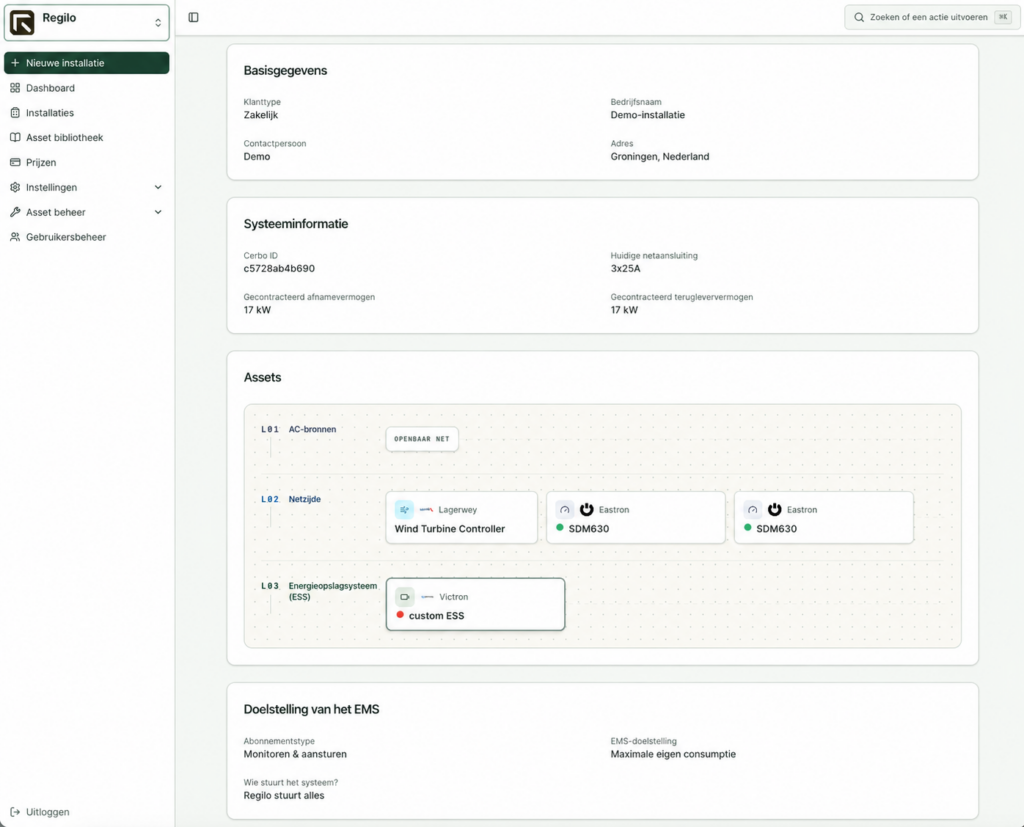
03 / An open world of possibilities
Generation, storage and consumption go beyond a single manufacturer. Our asset library and drivers connect supported devices to Re.Base.

Turn storage into usable energy. Connect supported battery systems and match the control strategy to the installation.
Explore the asset library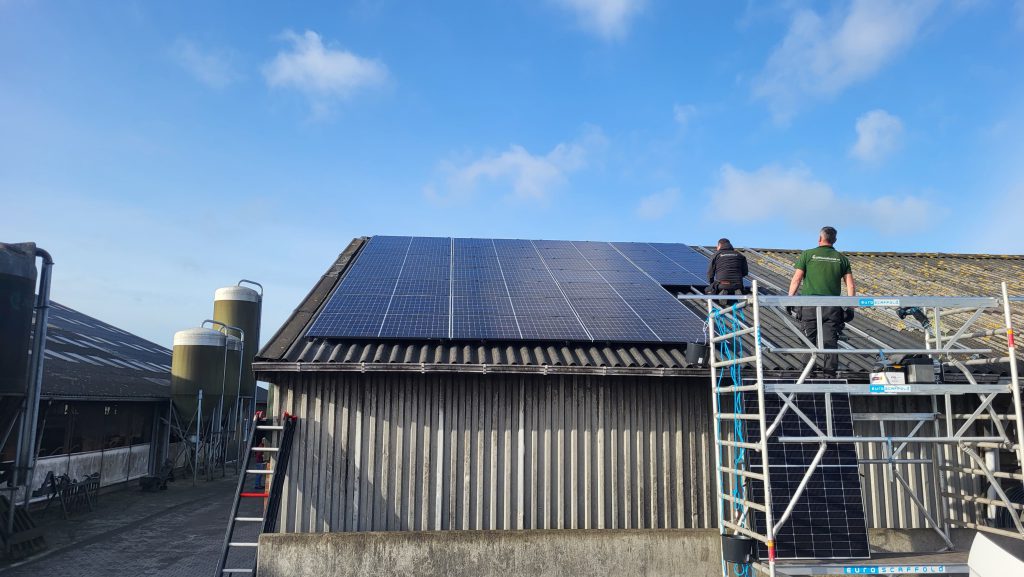
Let PV inverters work with storage and consumption. Available monitoring and control functions vary by model.
Explore the asset library
Wind is part of the whole system too. Find supported wind turbines in our asset library.
Explore the asset library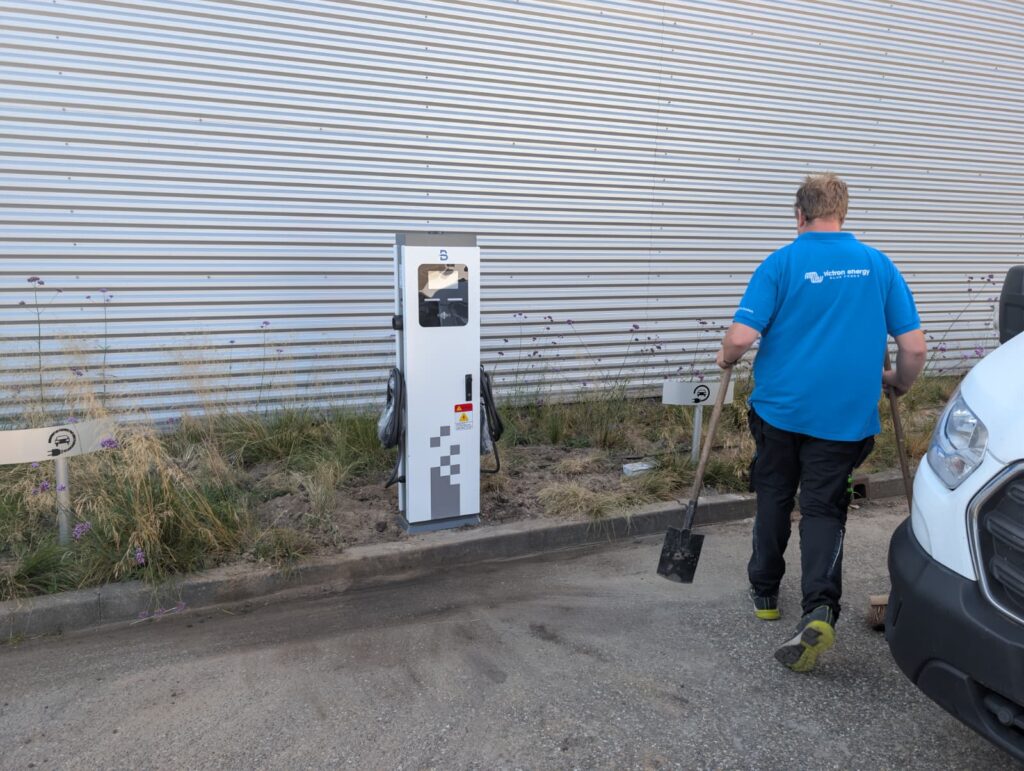
Include supported charging equipment in the energy installation. Agree the required integration in advance.
Explore the asset library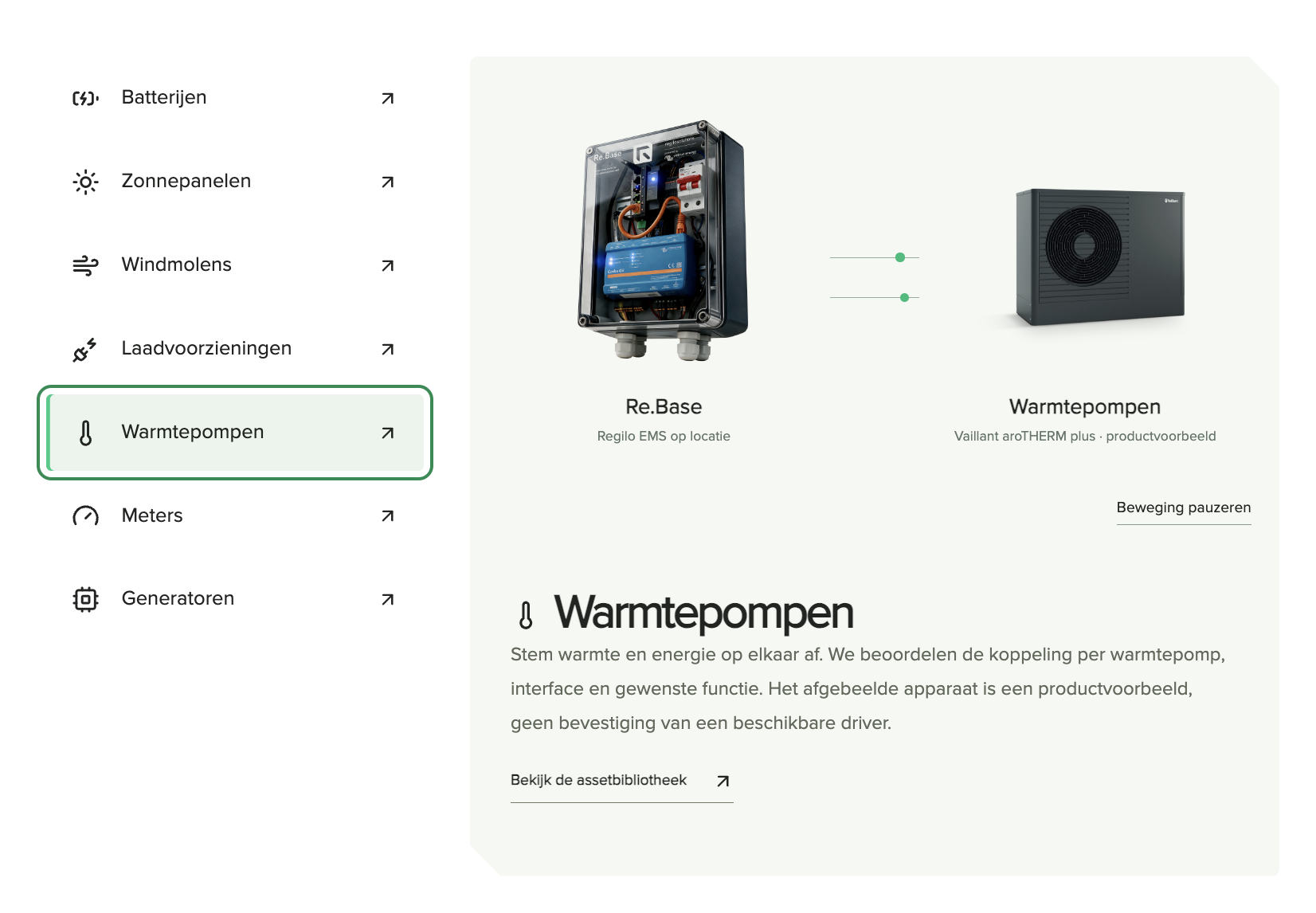
Coordinate heating and energy. We assess each heat pump, interface and required function. The pictured device is a product example, not confirmation of an available driver.
Explore the asset library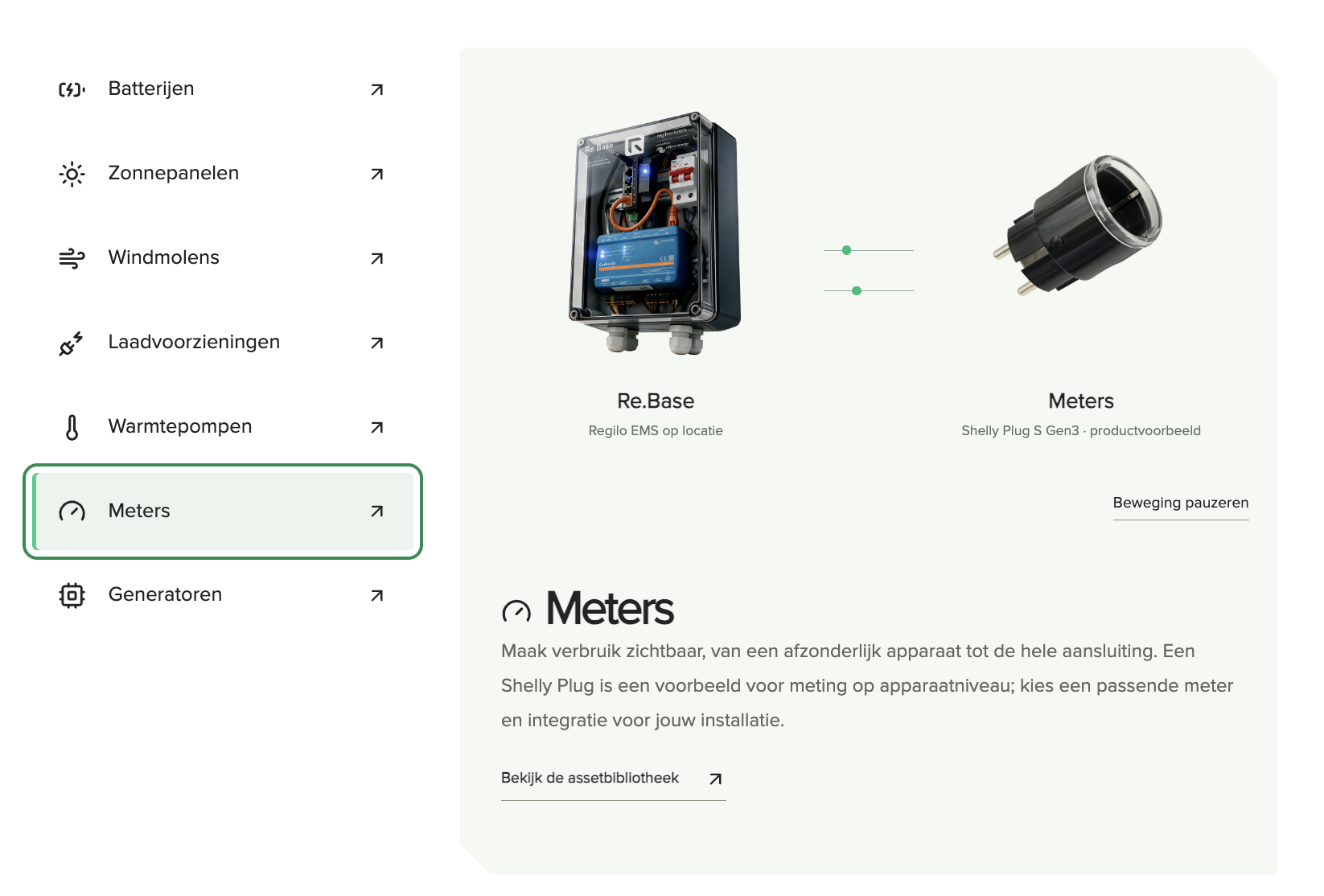
See consumption from an individual device to the entire connection. A Shelly Plug illustrates device-level metering; choose a suitable meter and integration for your installation.
Explore the asset library
Include a generator in the agreed energy strategy. Starting conditions, running times and safeguards are defined for each installation.
Explore the asset libraryRequest the asset early through Re.Connect. Regilo assesses whether monitoring or control is technically possible. Many standard requests are free of charge. For custom or unusual integrations, we first discuss the possibilities and any costs through the portal.
Request a device integration ↗From the Re.Connect asset library
From batteries and inverters to wind, charging and metering. Re.Connect provides the models, drivers and instructions for each integration.
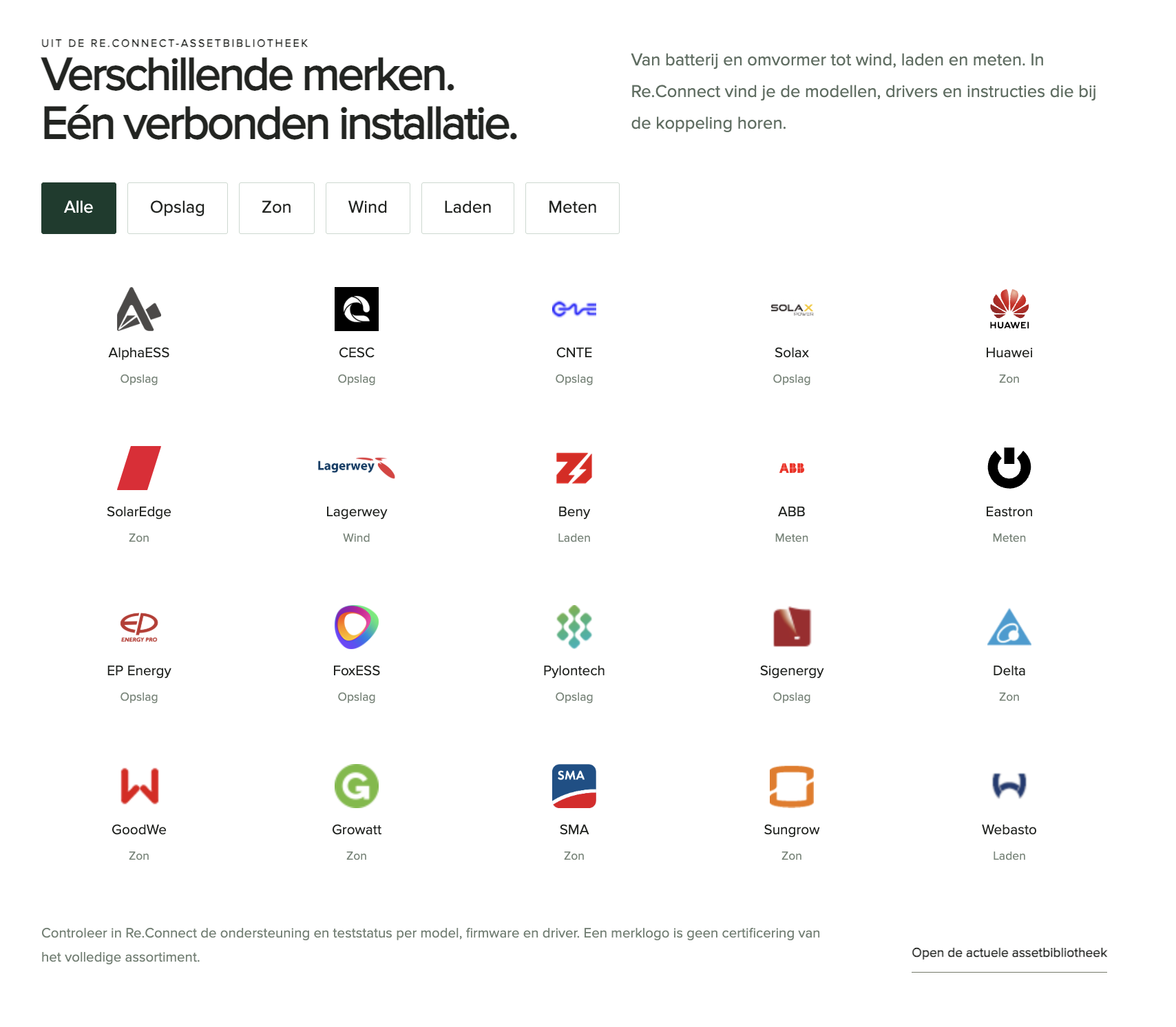 AlphaESSStorageCESCStorageCNTEStorageSolaxStorageHuaweiSolarSolarEdgeSolarLagerweyWindBenyChargingABBMeteringEastronMeteringEP EnergyStorageFoxESSStoragePylontechStorageSigenergyStorageDeltaSolarGoodWeSolarGrowattSolarSMASolarSungrowSolarWebastoCharging
Check support and test status in Re.Connect for each model, firmware and driver. A brand logo does not certify its entire product range.
Open the current asset library ↗Go beyond the battery
An additional contact, local controls or a load that can switch along. Suitable extensions let Re.Base grow with your installation.
Additional inputs and outputs
Add signals and switching functions to the controller. Sensors, wiring and software are selected for each application.
Include a load
A DIN-rail module for suitable switching functions. Integration and permitted loads depend on the model and installation.
An overview on site
An optional display for a suitable Cerbo GX. View the installation without opening a laptop.
Think of additional temperature readings, an energy meter or contacts from a business process. We check the interface and available data first, then the required logic.
Need something specific? Discuss your application through the portal.
Optional products, not included as standard. Check compatibility, firmware, connections and functions in advance. Product examples: Victron Energy and Shelly.
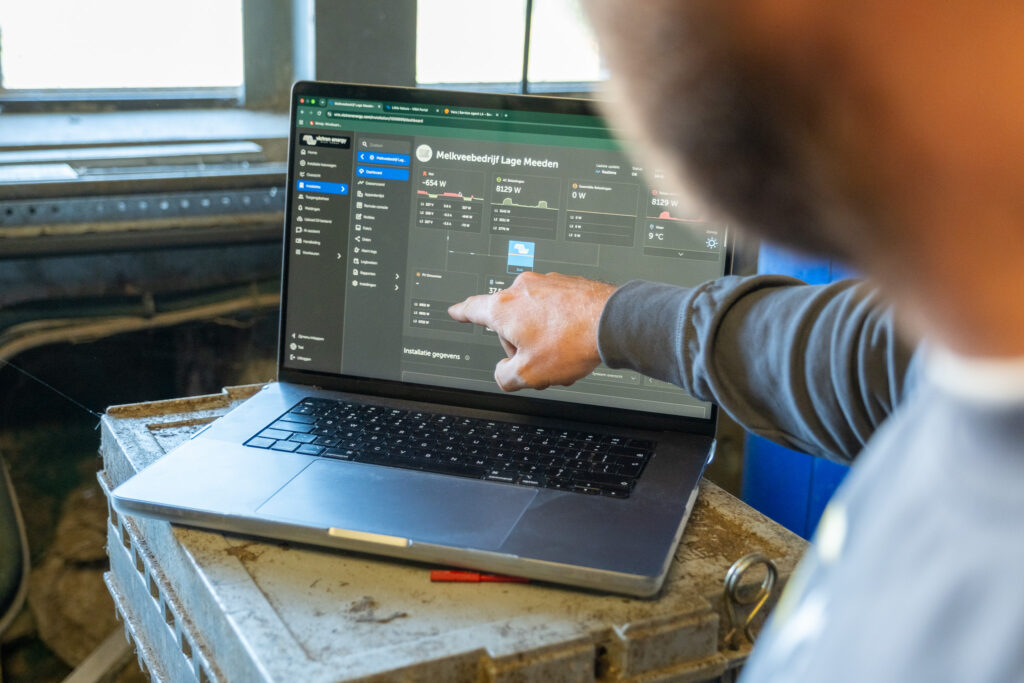
04 / Monitor and control energy
Victron VRM shows energy flows, history and alerts. Regilo EMS adds energy logic and coordinates supported devices within agreed objectives and limits.
Choose Monitoring for insight. Control adds the agreed control functions. Your installer checks and tests operation on site.
Explore Regilo EMS ↗Custom energy controls
From charging with your own solar power to a control strategy for your process. See how a measurement, a condition and an action form a flow.
Explore custom energy controlsA supported energy meter at your grid connection.
Supported devices, power, network and internet.
Your installer tests the configuration and records functions and limits.
Tell us about your site, installation or energy service. Together we will work out what you need and the right next step.
Talk to usFrequently asked questions
From installation to expansion. Answers to practical questions about your system.
Can’t find your answer? Get in touchThat depends on the exact model, firmware and available integration. Check compatibility before you start. You can request a missing device integration through Re.Connect.
Check compatibilityInsight provides visibility into the available measurements: monitoring. Control adds the agreed control functions, within the capabilities and tested limits of your installation.
More about our pricingA qualified installer connects the hardware, configures the devices, installs the drivers and tests the system. Preparation, commissioning and handover are handled through Re.Connect.
How Re.Connect worksYes. Submit a service request for the installation through Re.Connect. Regilo will discuss the options and any one-off or annual costs before you agree.
Not necessarily. Control based on next-day energy prices (day-ahead) is not tied to one supplier. The suitability of your energy contract and your actual tariffs remain important. Additional energy services are subject to agreements with the parties involved.
Yes. Discuss additional devices, extra inputs and outputs (I/O), or custom features through the installation record in Re.Connect. The available options depend on the hardware, firmware, drivers and the function you need.
Regilo can connect multiple Re.Base systems through the cloud and coordinate their control. The strategy, access permissions and technical requirements are defined for each application.
No. Only supported and configured local basic controls can continue to operate. Cloud functions and remote access will be limited or unavailable. Agree with your installer in advance how the system should behave if the internet connection fails.