
Prepare
Record devices, contract details, access and responsibilities before you start on site.
Installation with Regilo
You connect more than a battery. You bring meters, inverters, storage and consumption together in one installation.
With Re.Base, Re.Connect and custom energy controls, you turn separate devices into one connected installation. From preparation at the office to management after handover.
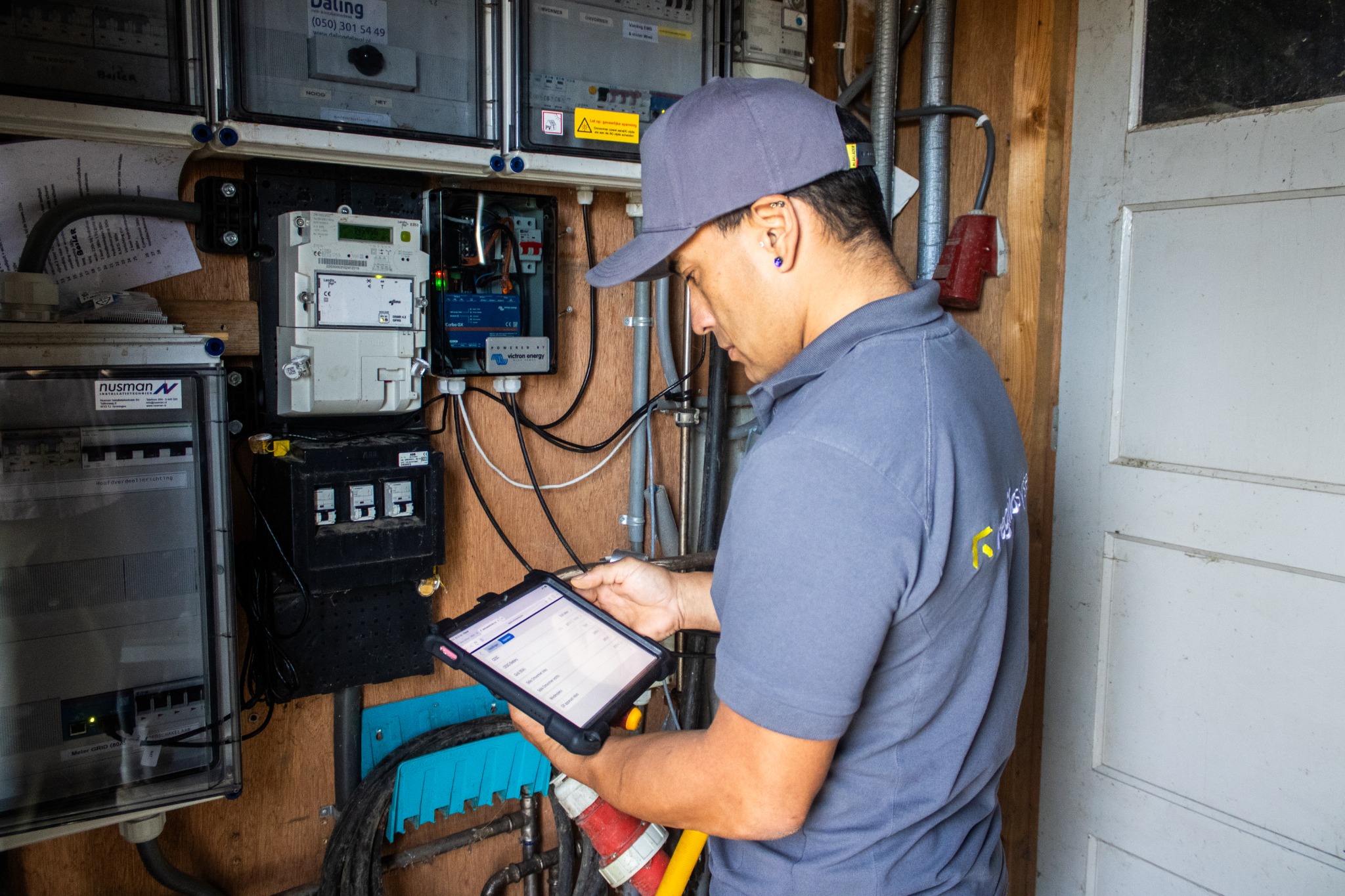
What Regilo brings together
A local controller, supported integrations, your own control strategies and one place for the installation record. See how these parts work together.
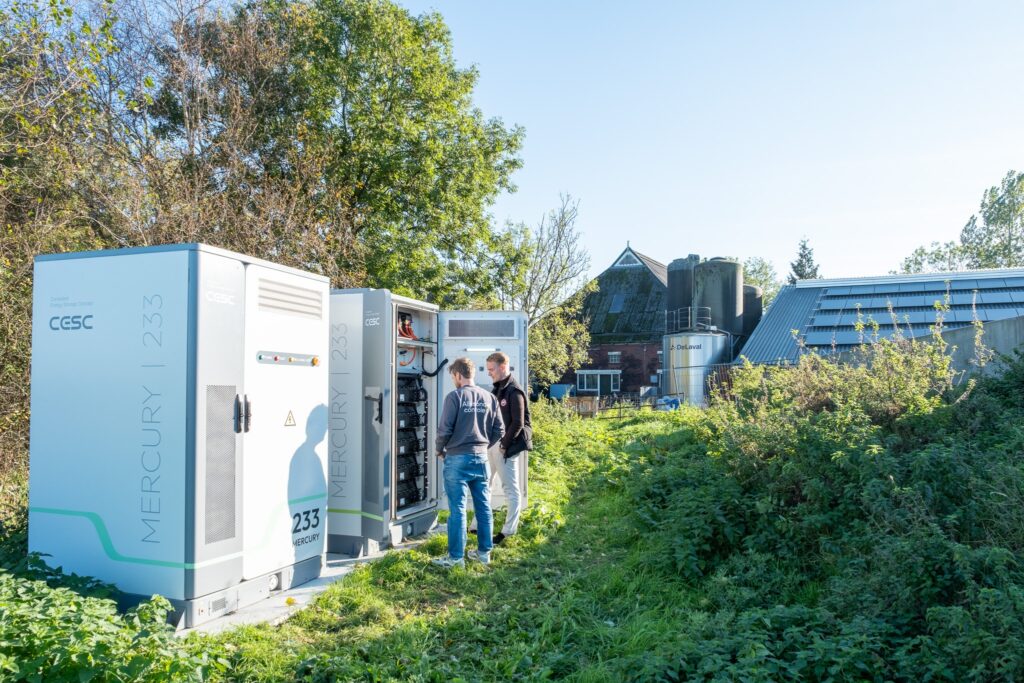
How it works in practice
Everything needs to come together on site: the right addresses, a suitable driver and accurate readings. In Re.Connect, you record the installation, add supported devices and keep project documentation together.
Handover matters too. Show the customer what is measured, which control strategy was agreed and where to raise a service request. That knowledge remains available when the installation changes.
Record devices, contract details, access and responsibilities before you start on site.
Check the network, install suitable drivers and compare readings with the actual installation.
Test the agreed operation, hand over the installation and keep documentation and service requests in one place.
Re.Base + Regilo EMS
Re.Base provides the local connection between devices and Regilo EMS. In Re.Connect, you record which devices belong to the installation and prepare the configuration.
You are not tied to one brand. For each device, we check the exact model, firmware and available driver, so you can build on the functions that are actually supported.
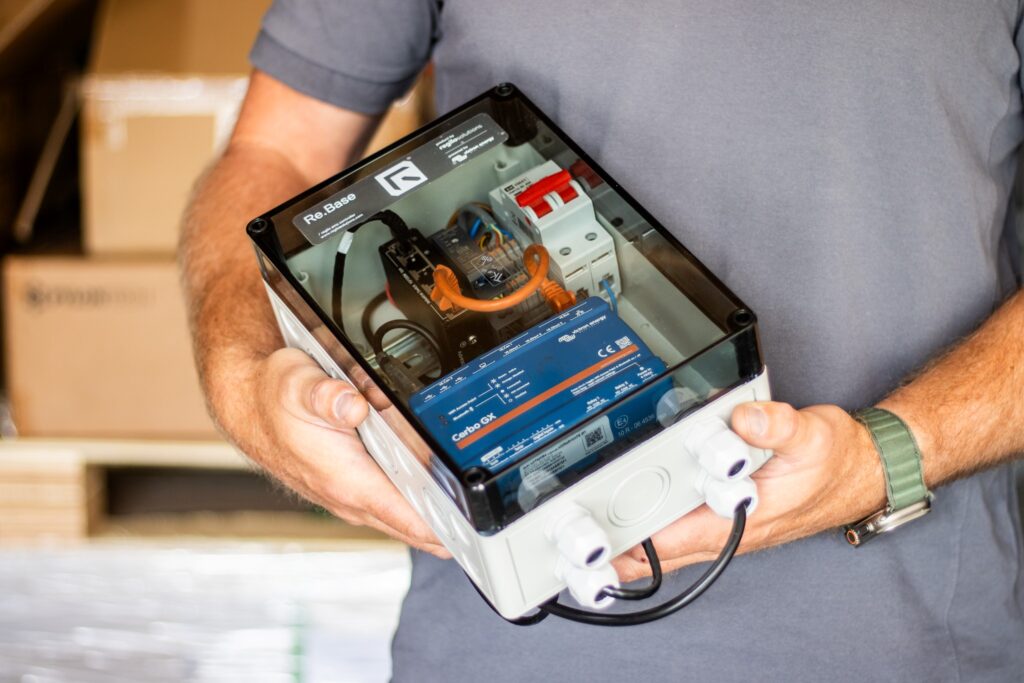
Install with Re.Connect
Add a battery to the installation record in the interactive example and follow how drivers are prepared. Find the full Re.Connect workflow in one place.
Try the installation demo ↗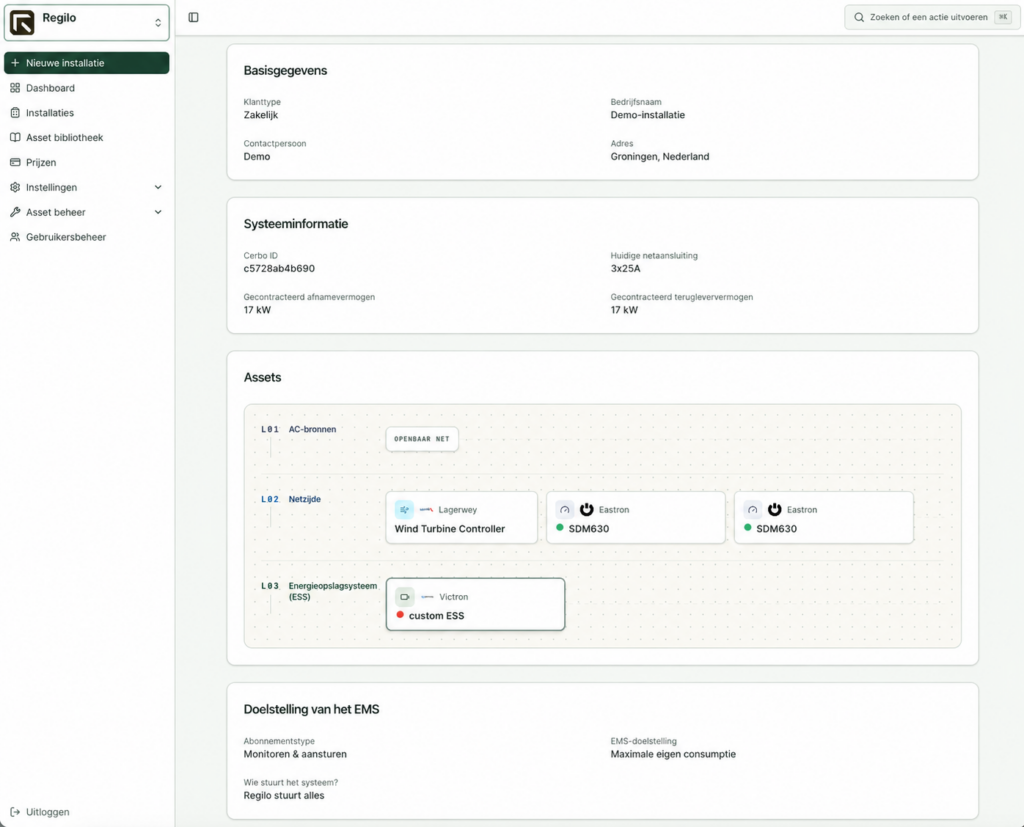
Custom energy controls
Connect measurements, conditions and actions for your site. The Custom energy controls page brings together interactive examples and the full process: from your request and agreement to building, testing and implementation.
Explore custom energy controlsCheck together
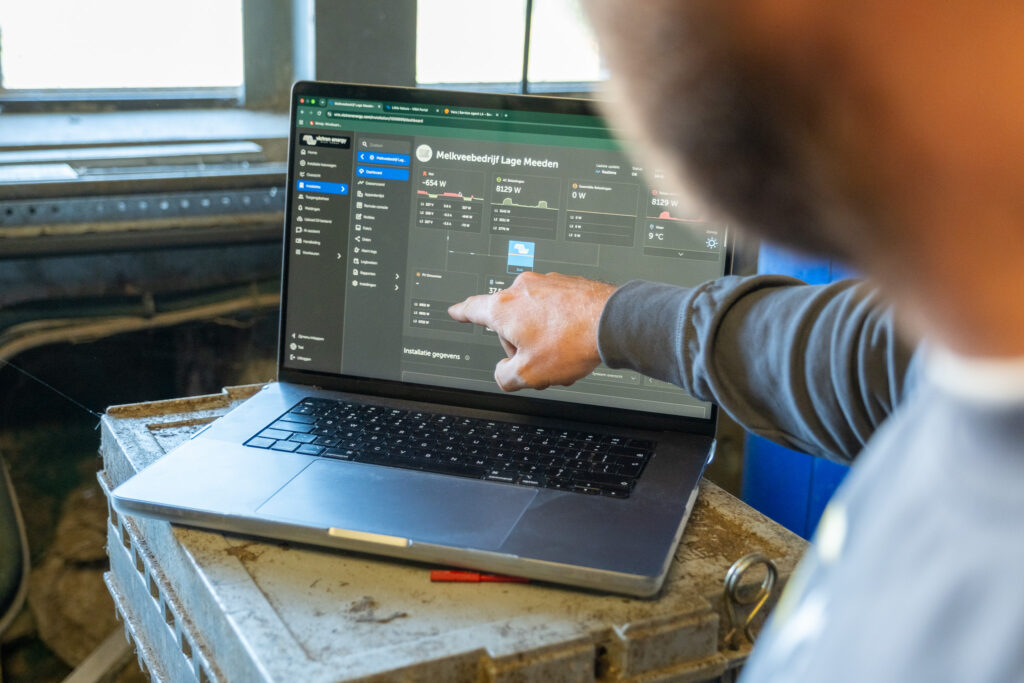
Use measurements in Victron VRM to explain operation to your customer. Review the energy flows together and record the settings and permissions for the installation.
You configure, test and activate the installation yourself. Record the results before handing it over.
Your practical checklist
Define what you connect, test and hand over in advance. That keeps the project understandable beyond the first day on site.
Record the model and firmware, check the available integration and arrange network access. A brand name alone does not guarantee support for every required function.
Compare readings with the actual installation. Test normal operation as well as what happens when a device or connection fails.
Record the agreed operation, user permissions and contact person. Explain which functions provide insight and which settings change device control.
You remain the first point of contact for your customer. If diagnosis does not resolve the issue, submit a service request in Re.Connect. Regilo provides second-line support within the agreed scope.
Not every device is supported as standard. We check the exact model, firmware, available driver and required functions. Adding a device to the record does not commission it: configuration, connection and operation must then be checked.
Already have Re.Connect access? Describe your request in a service ticket for the installation. Include devices, intended operation and limits. We agree on feasibility, approach and costs before building and testing. No Regilo installation yet? Contact us first.
The next step
With a device list, your intended control strategy and network questions, we can focus on preparing your project.